Make your phone sound louder and clearer.
SPK Booster lifts the sound of your phone speaker, wired headphones or Bluetooth with a 10-band equalizer, a compressor and a smart limiter. Nothing leaves your phone.
- No ads
- No accounts
- Nothing leaves your phone
Everything you need for better sound
A focused sound tool with a clean neon interface, built for everyday listening.
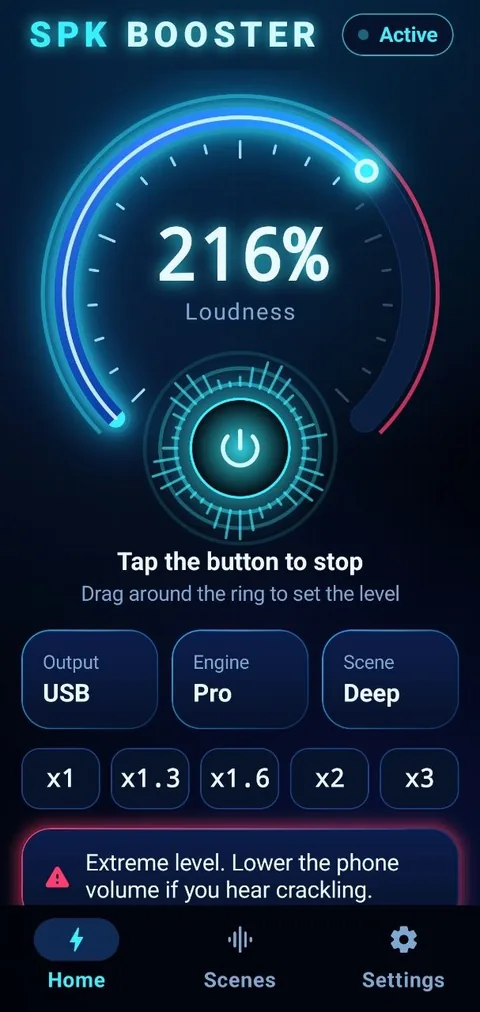
Loudness ring
Drag around the glowing ring to set the level you want. Simple, fast, one hand.
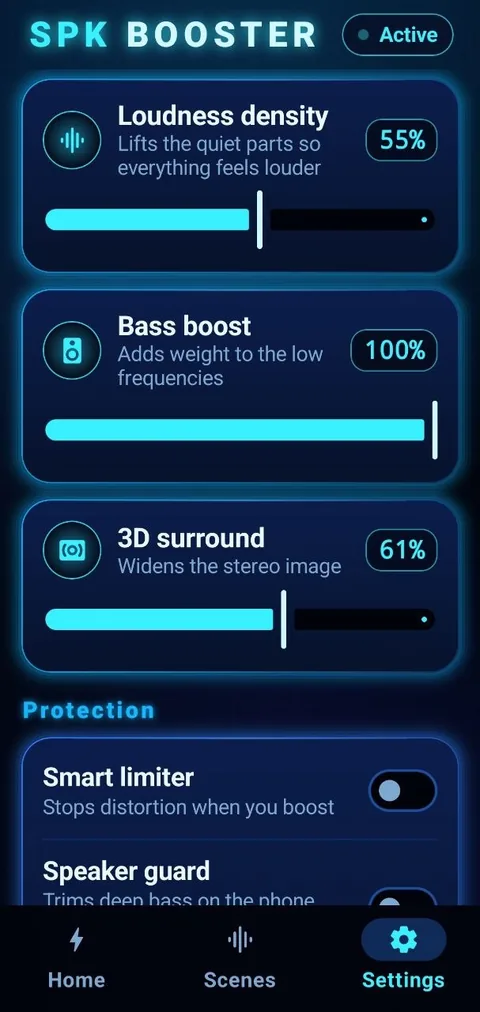
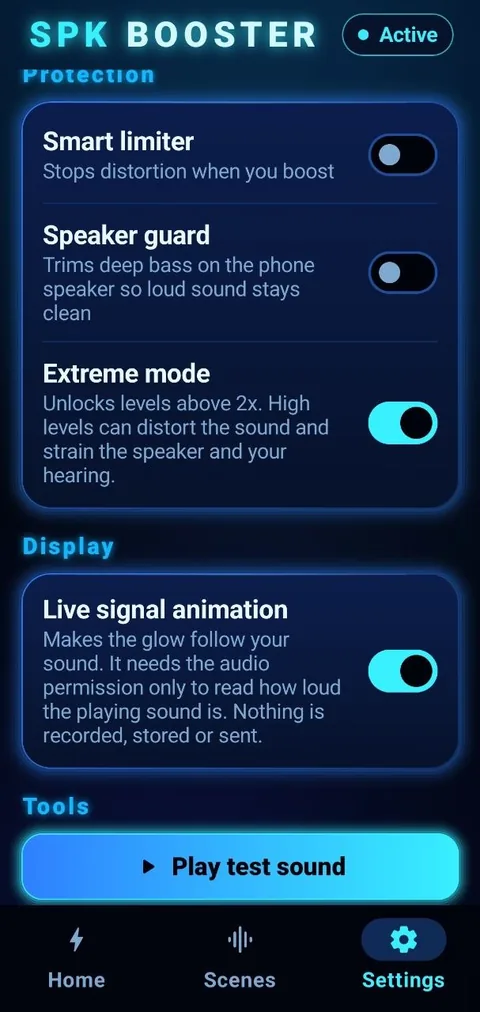
Smart limiter
Keeps loud sound from distorting when you raise the level.
Loudness density
Lifts the quiet parts so everything feels louder and clearer.
10-band equalizer
Shape the sound exactly as you like, from deep lows to bright highs.
Ready-made scenes
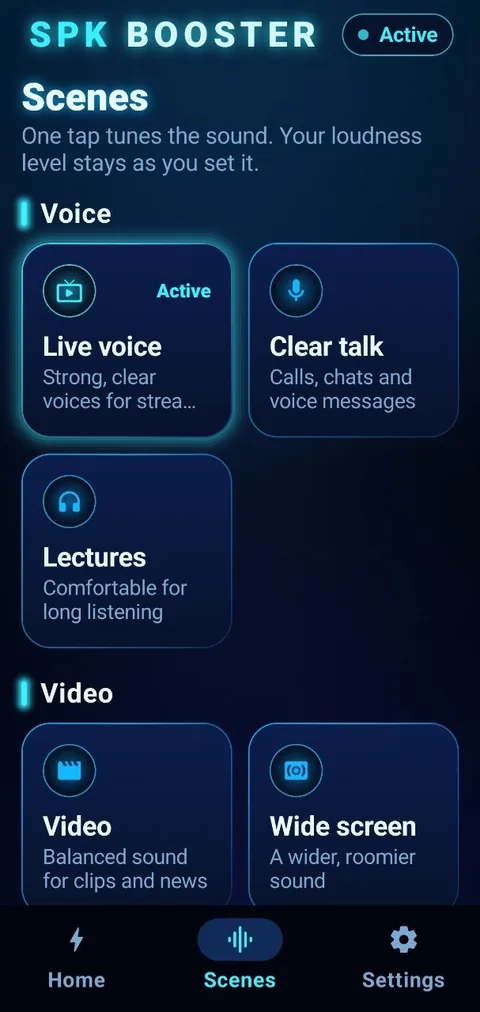
One tap tunes the tone for voices, video, games and more. Your loudness level stays as you set it.
Speaker guard
Trims deep bass a small phone speaker cannot play, so loud sound stays clean.
Bass boost and 3D surround
Add weight to the low end and widen the stereo image, on phones that support them.
Live glow animation
Optional. The glow around the power button follows the loudness of what is playing.
Neon-clean controls, built for one hand
Swipe through the main screens.
Shape your sound, band by band
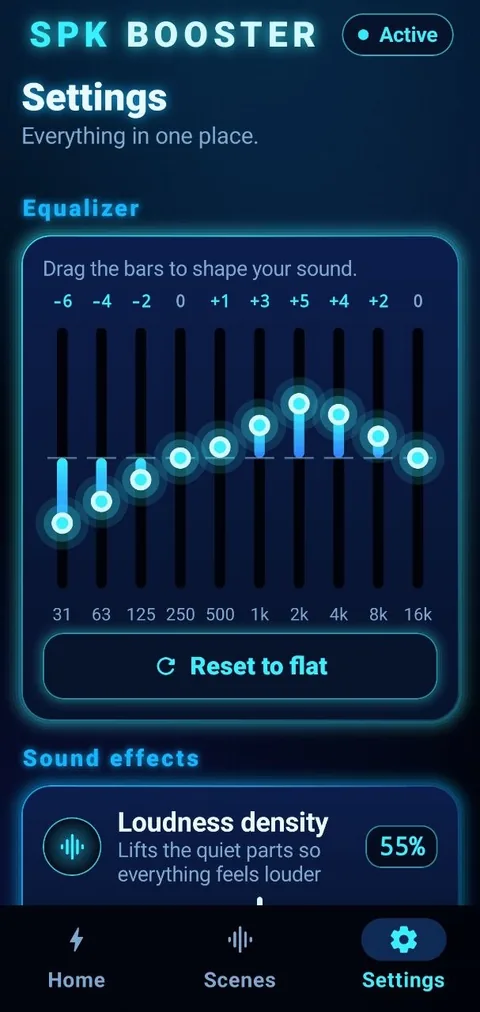
Fine control when you want it, one tap when you do not.
- Ten bands, from 31 Hz to 16 kHz.
- Drag the bars, or pick a scene and fine-tune it.
- Reset to flat with one tap.
On some phones the system equalizer has fewer bands, so the curve is approximated.
One tap. The right sound.
A scene changes the tone only. Your loudness level stays exactly where you left it.
Voice
Video
Games
Basics
Private by design
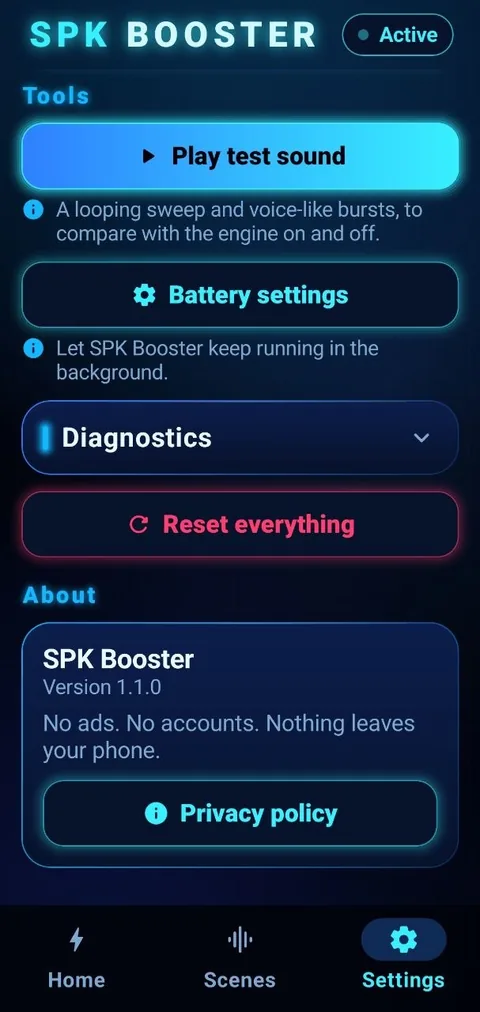
The app has no internet permission, so it cannot send anything off your device.
Power up in three steps
SPK Booster applies Android’s own audio effects (equalizer, compressor and limiter) to your phone’s audio output while its engine is on.
Power up
Tap the power button. A notification with a Stop button appears while the engine runs.
Tune
Pick a scene, drag the loudness ring and fine-tune the equalizer if you like.
Listen anywhere
Use any music, video or call app. Tap Stop in the notification or the power button to turn it off.
Honest about the limits
Hardware has limits
A phone speaker has physical limits. The app improves perceived loudness and clarity, but cannot exceed what your hardware can produce.
Results vary by device
Some devices or apps restrict system-wide audio effects, so a few features may be unavailable on your phone.
Best results
Set your media volume high first, then use the loudness ring for the rest.
Permissions, explained
We ask for as little as possible, and only for what the features need.
| Permission | Why it is needed |
|---|---|
| Modify audio settings | To apply the equalizer, compressor and limiter to your audio output. |
| Foreground service (media playback) | To keep the sound engine running while you use other apps. |
| Notifications | To show the engine notification with its Stop button on Android 13 and later. |
| Audio recording (optional, off by default) | Only if you turn on Live glow animation, to read how loud the playing sound is. Nothing is recorded, stored or sent. |
Ready for louder, clearer sound?
SPK Booster is free, with no ads and no accounts.